See what your algorithm actually did.
Plot your logged values against the truth, the input and the expected output. SlewView opens CSV files of any size on Windows and shows you where your filter, controller or estimator did not do what you meant.
Free edition · Windows 10 and 11, 64-bit · no account needed
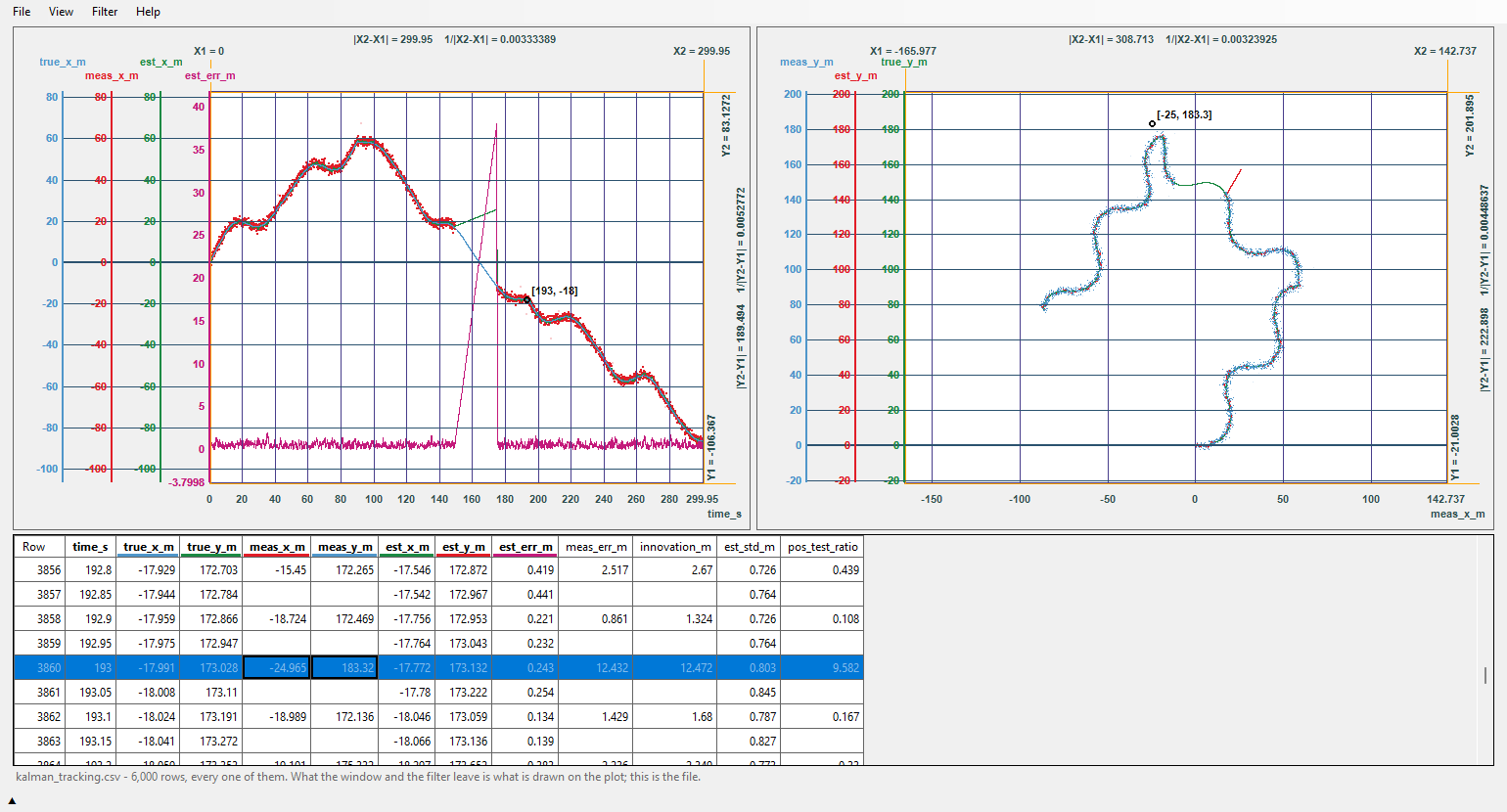
What it should do, and what it does
Whatever you are building, the question is the same: did it follow what you asked of it? Put the command and the response on one axis and look.
The example data on this page is simulated, to show the kind of question each view answers - none of it is a measurement.
Control loops
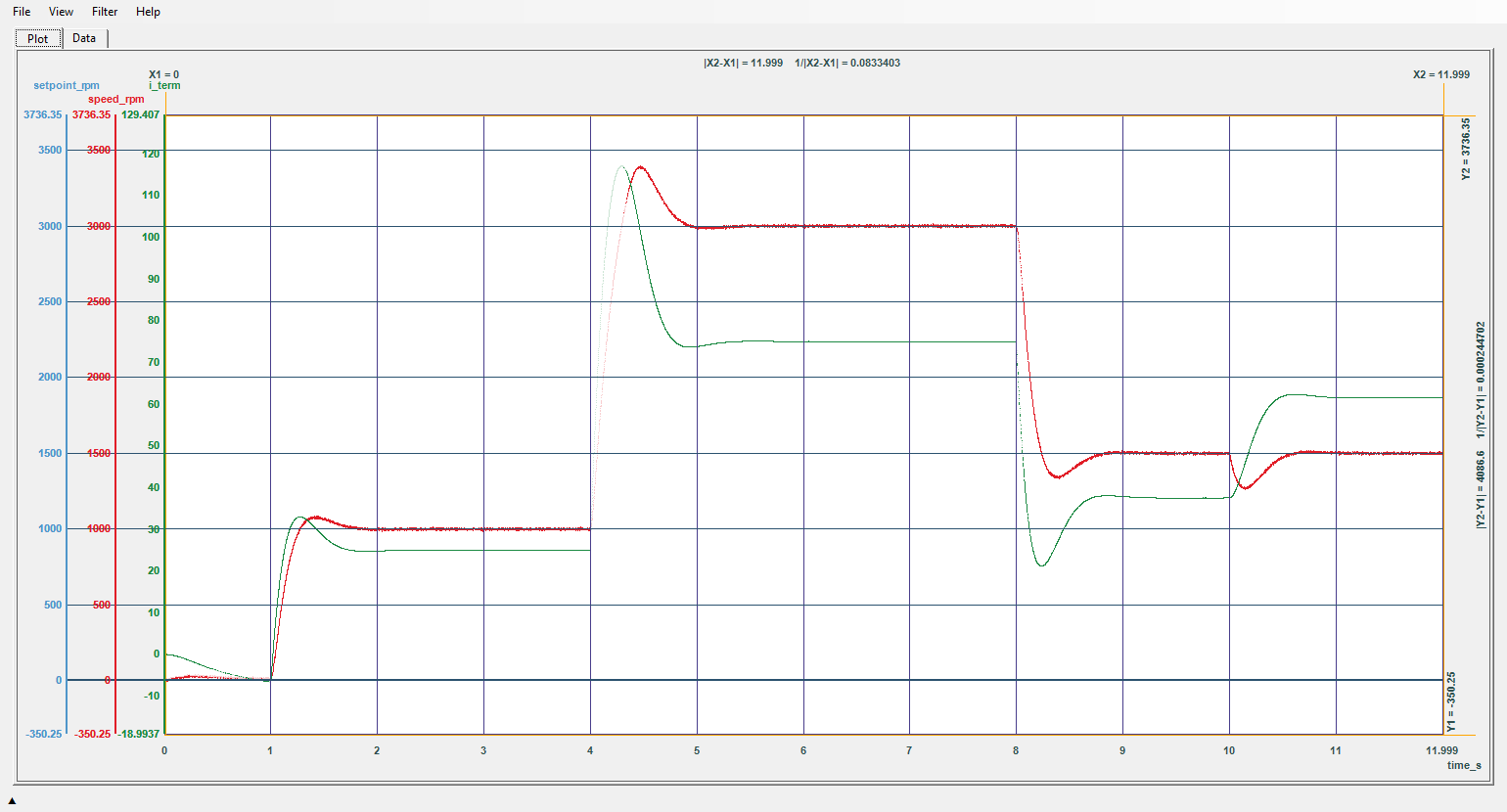
Setpoint, speed and the integral term. A row filter hides the stretch where the output sat at 100 %: the integrator winds up through it, and the overshoot after it is the price.
Drones and robots
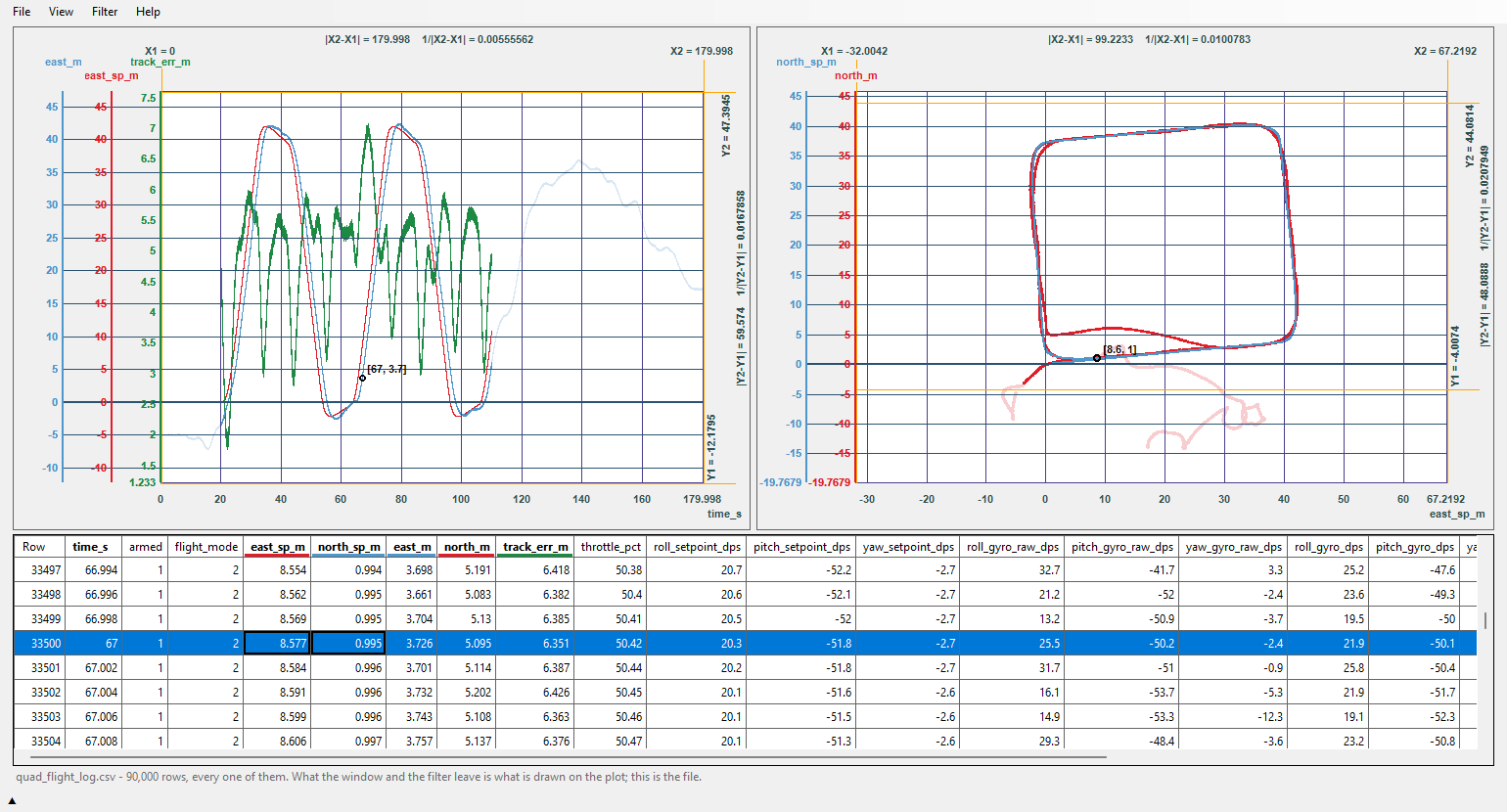
A four-waypoint mission in position mode: the planned route and, beside it on the ground, the track flown. A filter keeps the position-mode legs. A gust at 62 s pushes the drone 4 m off the first leg.
Batteries and power
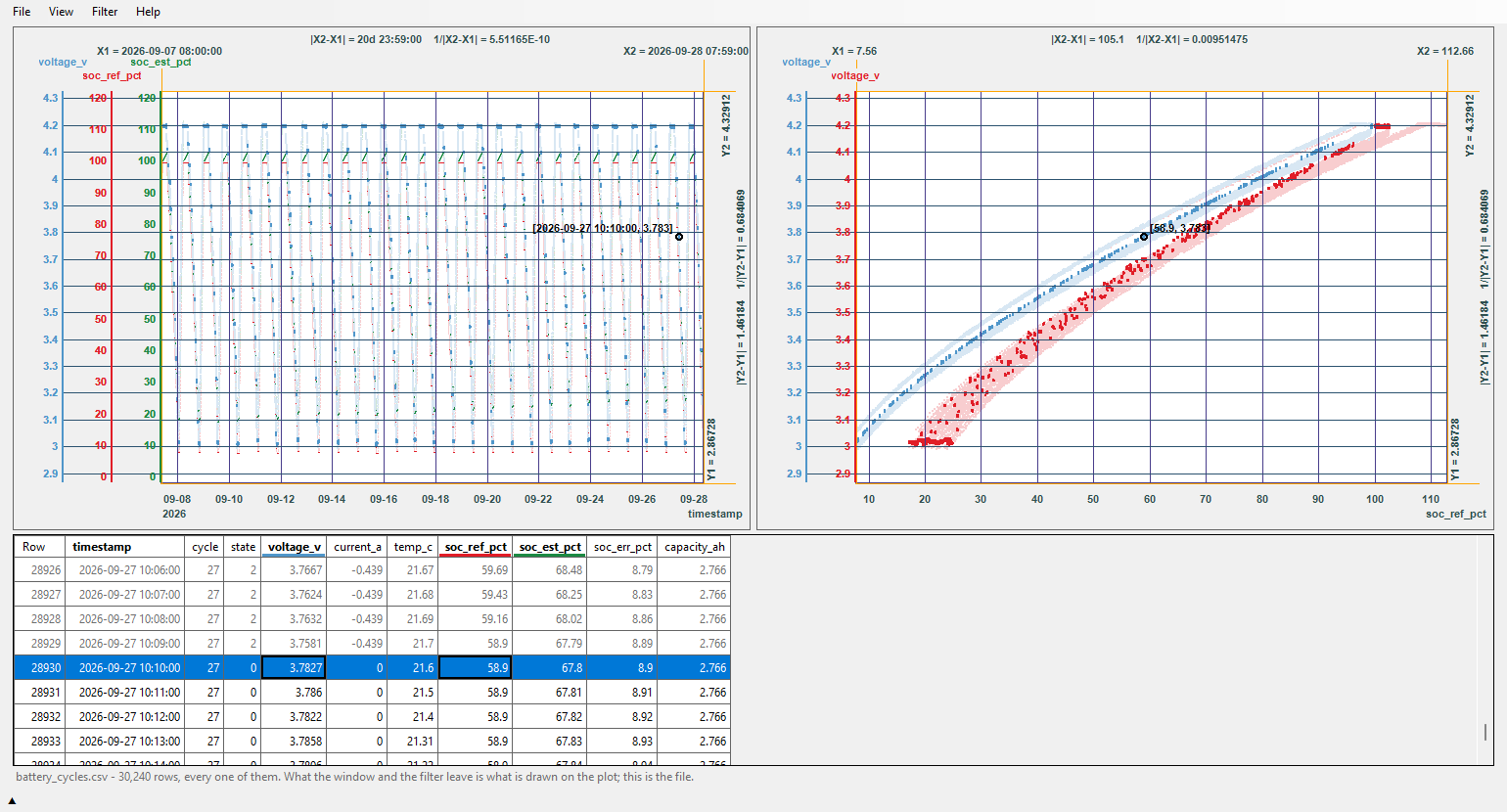
Three weeks of cycling. At rest, voltage against the reference state of charge is the open-circuit curve; against the estimate it slides off it as the error grows.
Vehicle dynamics
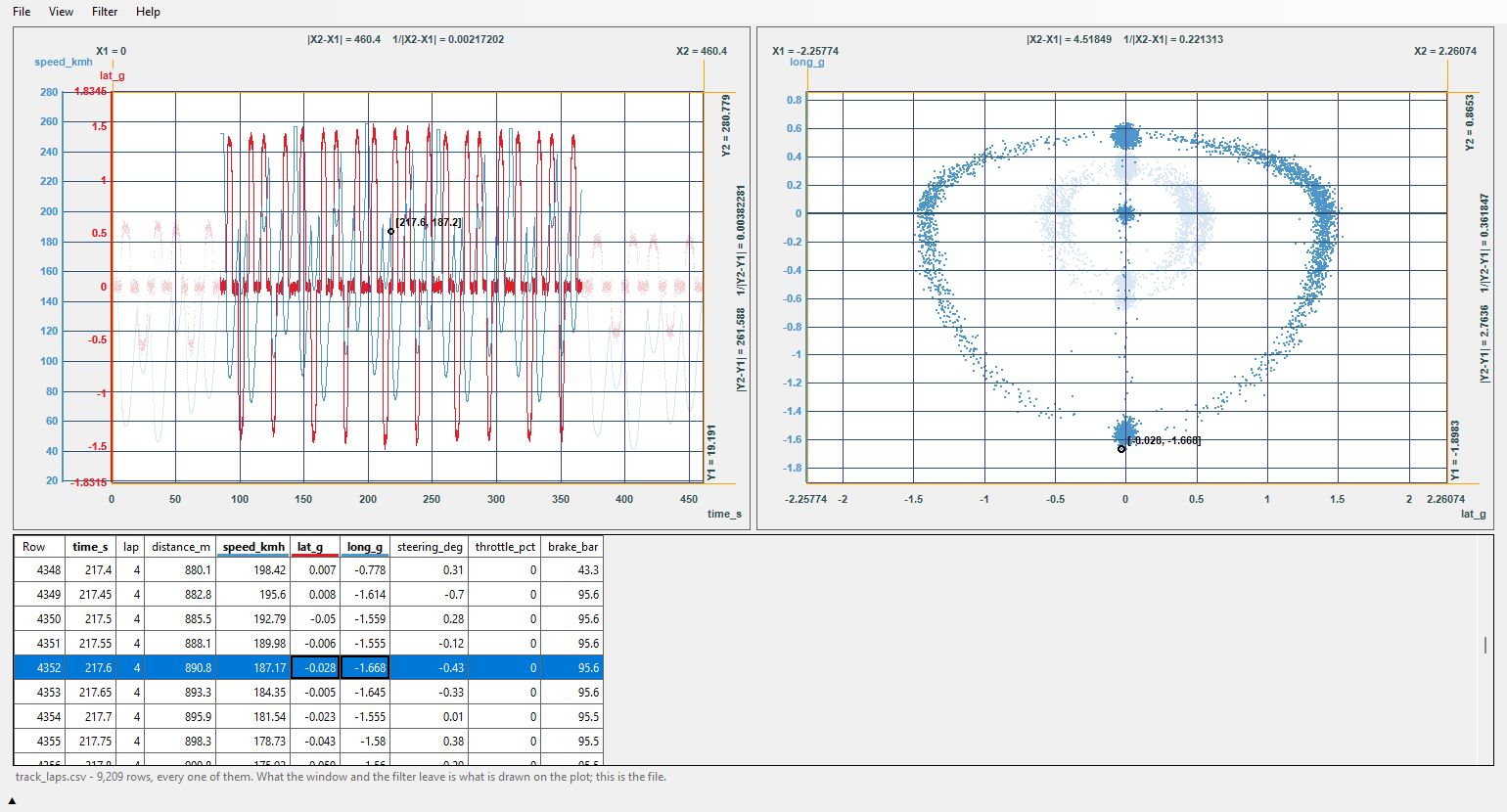
Lateral against longitudinal g: the flying laps fill the friction circle, and the out-lap and the in-lap, filtered out, stay faintly inside it.
One frame at a time
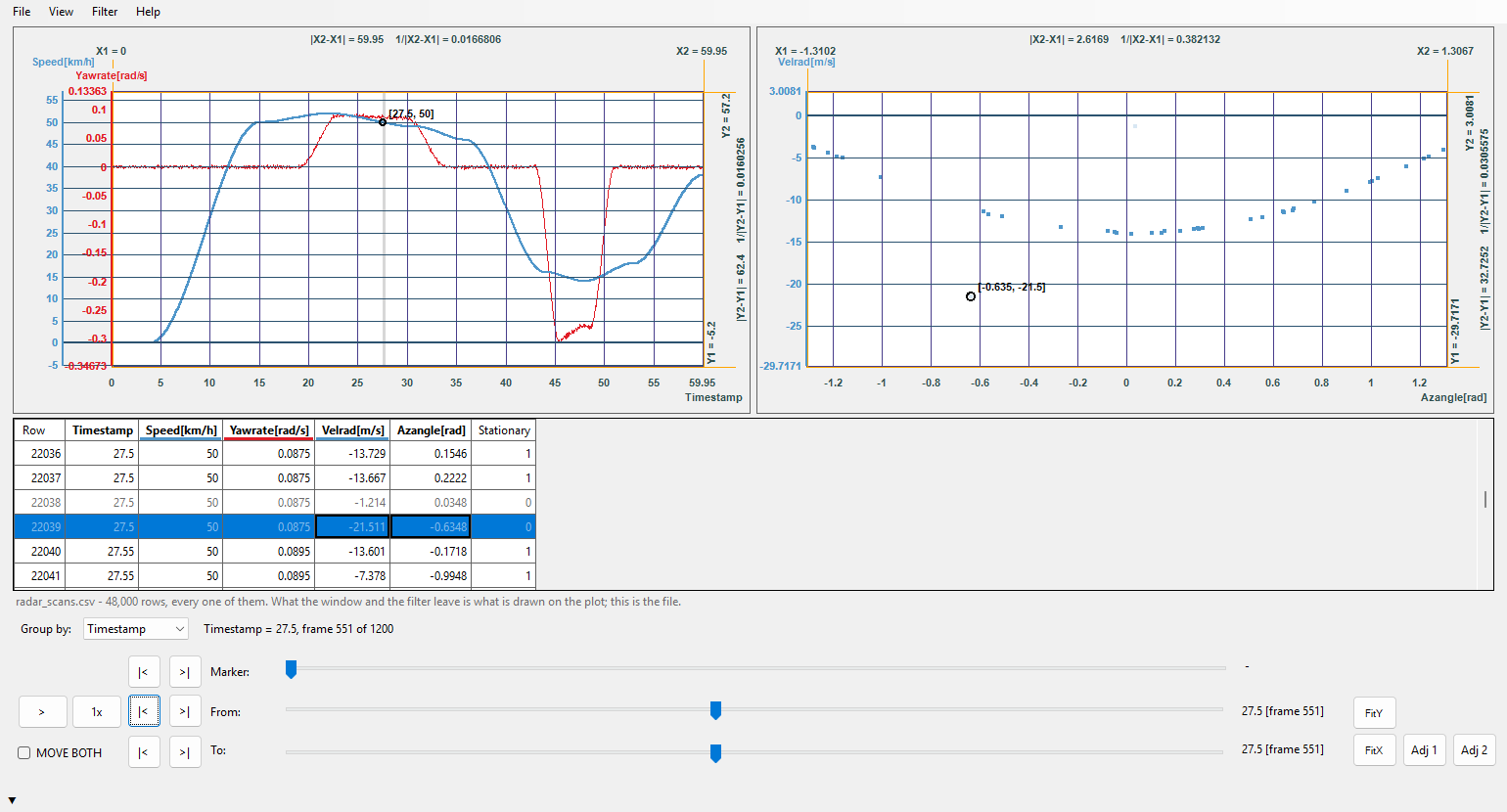
Group a file by a column - a scan, a cycle, a lap - and step or play through it, with the whole recording beside it and the frame marked.
Big files, opened whole
No row limit, no downsampling by hand, no script to write first. A gigabyte-sized log opens and every row is drawn; zoom in until you see single samples.
Built for checking numbers
Everything is about the question "is this value right?", not about making a pretty chart.
- Many signals, many unitsEach curve can have its own Y axis, or share one with the curves it should match.
- Two plots, one markerA second plot with an X of its own - a track on the ground, a curve against charge, velocity against angle - on the same rows; the marker stands on the same row in both.
- Measure linesX1, X2, Y1, Y2 with the distance and its reciprocal: delays, periods, overshoot.
- A row filter that knows the neighboursShow only the rows you care about:
abs(err[i]) > 2, orspeed[i] - speed[i-1] > 5for a jump. - Group and playSplit a file by a column - a run, a cycle, a flight mode - and step or play through it.
- Real dates and timesTimestamps in your file's own format, on the axis, in the grid and in every readout.
- The data, row by rowA grid of the file's rows beside the plot; pick a point and find its row.
- Export what you keptWrite the filtered rows back out as lines of the original file.
- SessionsSave the files, columns, filters and view, and pick up exactly where you left off.
Pricing
The free edition never expires. A licence is a one-time purchase, with no subscription.
Free edition
- Opens and draws every file completely
- A faint watermark on every plot
- Values readable for the first 1,000 rows of each file
- Export up to 1,000 rows per file
- Sorted by X, the second plot, the frame filter and "show hidden faintly" need a licence
Personal
one-time, incl. VAT
- Everything, no limits, no watermark
- For your own, non-commercial use
- Up to 3 machines at once
Commercial
one-time, VAT where it applies
- Everything, no limits, no watermark
- For use at work, invoiced to your company
- Up to 3 machines at once
Lost your key? Write to contact [at] slewview.com from the address you bought with.